


Swig Drinks
4.2168.00 Reviews
App Specs
- Version
- 4.5.4
- Updated On
- License
- Free
- Downloads
- 100,000+
- Developer
- Swig Soda
- Categories
- Food & Drink
- Platform
- Android
Screenshots
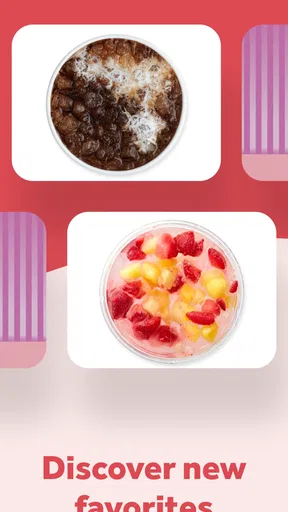
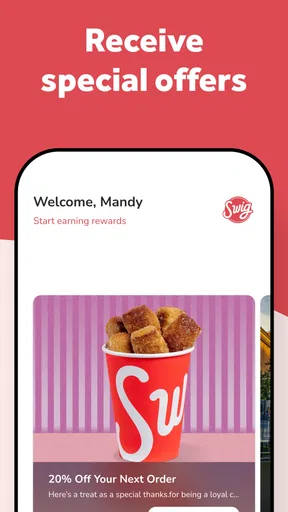
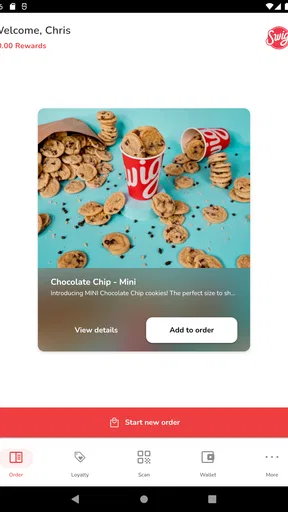
 Analysis by AppCompare
I tried Swig Drinks as a companion for ordering and exploring Swig Soda’s signature dirty sodas, and I quickly understood where it fits: this is a focused Food & Drink app rather than a general restaurant platform. Its appeal is less about replacing every food-ordering tool on your phone and more about making a Swig visit easier to plan, repeat, and personalize. If you already enjoy flavored sodas with add-ins, the app gives that habit a more convenient home.
The app is free and available for Everyone, which makes it easy to try without committing money up front. It comes from Swig Soda, has passed the one-hundred-thousand-install mark, and currently sits at a 4.2 average from a little over three hundred ratings. Those figures suggest a healthy level of interest, although I would still treat the app as a companion to the Swig experience rather than a complete drinks guide for every situation.
How I use Swig Drinks from choosing a drink to repeating an order
I find the app most useful when I treat it as a planning aid rather than something to navigate while ordering. I start with a drink I already know, then compare one alternative so I have a fallback if my first choice no longer appeals. That simple routine also gives me a clearer sense of what I like, instead of relying on memory when the menu is in front of me.
Starting with the basic workflow
My preferred starting point is simple: open the app before deciding what I want, browse the available Swig Drinks choices, and use the menu as a prompt rather than trying to remember combinations from a previous visit. That matters because dirty sodas can be surprisingly easy to mix up. A soda base, flavor, cream, fruit element, or other add-in can turn a familiar drink into something quite different, and looking at the menu first reduces the chance of ordering by vague memory.
The most useful everyday habit is to decide whether I am in discovery mode or repeat mode. For discovery, I scan the menu and choose one drink that sounds familiar and one that feels like a small change from my usual order. For repeat visits, I go straight to the drink I already know I like, then make only one adjustment. This keeps the experience manageable instead of turning every visit into an experiment with too many variables.
That approach is especially helpful when ordering for more than one person. A group can quickly become slow if everyone is trying to describe a custom soda from memory. I find it easier to let each person look through the app, settle on a named drink or a clear combination, and then confirm the choices before ordering. The app does not eliminate the need to communicate, but it gives the conversation something concrete to work from.
For a realistic weekday example, imagine leaving work and stopping for drinks on the way home. I would open the app while still parked, check the menu, choose a dependable option for myself, and let family members make their selections before reaching the counter. That small preparation avoids the usual queue-side problem: one person is deciding while everyone else waits. It also makes it less likely that I will forget a preferred flavor or accidentally order something much sweeter than intended.
Worth Reading Before You Choose

EA SPORTS FC Mobile 26 Is a Bigger Football Game, but It Takes Time

Flipboard Shows What News Apps Must Do Beyond the Feed

Switching to Android Auto Means Rethinking Your Driving Routine

Google Calendar Makes a Crowded Week Easier to Manage

Ludo King Makes the Most of the Minutes Between Plans

Baby Panda World Brings Quick Play to Modern Phones, but Its Game Library Feels Busy
Why the menu matters more than the novelty
The strongest part of Swig Drinks is not simply that it displays beverages. It helps turn a broad idea—“I want a dirty soda”—into a specific choice. That is valuable for new customers who may not know which combinations are popular with them yet. I can use the menu to identify a starting point, then build my own taste profile over several visits: lighter and sharper, creamy and dessert-like, fruit-forward, or more familiar and cola-based.
I would not treat every listed drink as a guaranteed personal favorite. Flavored soda is highly dependent on sweetness, carbonation, ice, and the balance between the base drink and additions. A combination that sounds excellent may feel too rich beside a meal, while a simpler drink may work better when I want something refreshing. My advice is to judge a drink in context. The best choice for a hot afternoon may not be the same as the best choice for an evening treat.
Another practical benefit is reducing decision fatigue. When I am already hungry, driving, or ordering for children, I do not want to construct a recipe from scratch. A named menu option gives me a stable baseline. Once I know that baseline, I can make a small change on a later visit instead of guessing at a completely new mixture.
Settings and phone habits worth checking
There is no reason to leave every app setting untouched, but I would approach Swig Drinks with a practical mindset. I check whether notifications are useful to me and avoid allowing an ordering companion to become a source of unnecessary interruptions. If I only use it when visiting Swig, I prefer a quieter setup and open it when I need it rather than expecting it to manage my routine automatically.
I also keep the app updated when convenient. The current version is 4.5.4, and the app supports devices running Android 8.0 or later. That makes it suitable for many older phones, but anyone using an older Android device should check compatibility before planning around it. On a newer phone, I would still make sure the app has enough storage and that the operating system is current enough for a smooth installation.
One setting-related habit is easy to overlook: I decide in advance whether I am using the app for browsing or for immediate ordering. If I am merely exploring drinks, I can take my time and compare options. If I am about to arrive at a busy location, I avoid opening it for the first time at the counter. A quick menu check at home is a better workflow because it leaves the final step for confirmation rather than research.
I also recommend keeping the phone screen easy to read before entering a drive-through or pickup line. This sounds minor, but menu browsing is less frustrating when brightness, text size, and connectivity are already comfortable. The app cannot compensate for a weak signal or a phone that is difficult to use one-handed, so a little preparation makes a bigger difference than repeatedly reopening screens in a hurry.
Faster patterns for regular visits
Experienced use is mostly about creating repeatable habits, not discovering secret controls. My fastest pattern is to maintain a short mental list of three categories: a safe favorite, a lower-intensity alternative, and a treat drink. The app helps me revisit the menu when I want to verify the exact choice, while the categories keep me from browsing aimlessly.
The safe favorite is the drink I order when I do not want surprises. The lower-intensity option is useful when I am already having a sweet snack or want something that will not dominate the meal. The treat drink is for the occasions when the whole point of the stop is indulgence. Separating those roles prevents the common mistake of expecting a single drink to suit every mood.
For groups, I use a two-pass method. First, everyone chooses a general direction from the menu. Second, we confirm the final choices together and resolve any uncertainty before placing the order. This is faster than having each person repeatedly change their mind while the order is being taken. It is also helpful for families because children can participate in choosing without needing to understand every ingredient or combination.
Another useful pattern is changing only one element at a time. If I alter the base, flavor, and creamy addition together, I cannot tell which change improved or weakened the drink. By keeping most of the order familiar, I learn more from each visit. That makes the app more useful over time because browsing becomes a record of informed choices rather than a series of random guesses.
I would also avoid using the app as a substitute for asking staff a necessary question. Menus are excellent for choosing, but staff are the better source for current preparation details, availability, or anything important to an allergy-sensitive order. The app can help me identify what I want to discuss; it should not encourage me to assume that every customization works exactly as I imagine.
Where the experience has limits
Swig Drinks is specialized, and that specialization is both its strength and its main limitation. If I want a broad restaurant search, a full meal-ordering marketplace, grocery delivery, or a way to compare several chains in one place, I would choose a different type of app. This one makes sense when Swig Soda is already the destination. It is not designed to be my universal food-and-drink planner.
The app may also feel unnecessary for someone who visits rarely and already knows what to order. If I am standing outside a Swig location and only want the same drink I have bought many times, opening an app can add an extra step. In that situation, the value comes from checking the menu, exploring alternatives, or coordinating an order—not from the mere fact that the app exists.
There is a second limitation for people who expect deep nutritional or dietary guidance. A menu can help me identify ingredients and combinations to ask about, but I would not rely on a drink-browsing app alone for medical dietary decisions. Anyone managing allergies, sugar intake, caffeine sensitivity, or another strict requirement should verify the relevant details directly before ordering. That is a sensible boundary, especially with customized beverages.
Connectivity and timing matter too. A menu app is most helpful before the rush, when I can browse without pressure. If the connection is poor or the app takes time to load at the exact moment I reach the counter, the convenience advantage shrinks. I solve that by checking my order before leaving home and treating the app as preparation rather than something I must operate continuously during the visit.
The app is also not a replacement for personal taste. A recommendation can suggest a starting point, but it cannot know whether I prefer sharp citrus, creamy sweetness, strong carbonation, or a simpler soda. I still need to pay attention to what I actually enjoy. The best result comes from using the menu as a learning tool and remembering the combinations that suit me, not from assuming the most interesting-sounding option will be the best.
Who should use it, and who should skip it
I would recommend Swig Drinks to regular Swig customers, people trying dirty sodas for the first time, and anyone who often orders for a group. It is particularly useful for customers who like variety but do not want to invent a recipe from scratch. The app gives those users a practical way to browse, compare, and establish reliable favorites.
It is also a good fit for someone who treats drinks as part of a routine. A commuter can check the menu before leaving work. A parent can organize several choices before arriving. A first-time visitor can browse in a calm setting instead of trying to decode a menu while others wait. These are small use cases, but they are where the app earns its place.
I would skip it if I rarely visit Swig Soda, dislike sweet or customized soft drinks, or mainly need a broad restaurant service. Someone who wants calorie tracking, comprehensive dietary filtering, or a single app covering many food brands may be better served by a tool built specifically for those purposes. Swig Drinks is most convincing when the Swig menu itself is the reason I opened my phone.
My verdict after building a repeatable routine
Swig Drinks succeeds because it keeps its purpose narrow. It helps me approach Swig Soda’s menu with more confidence, whether I am choosing a first drink, repeating a favorite, or coordinating several orders. The free price removes the main barrier to trying it, and its Everyone rating makes it approachable for households that share a device or let younger users browse with supervision.
I would not call it essential for every customer. Its usefulness depends on how often I visit, how much I enjoy experimenting, and whether I need a Swig-specific menu rather than a general food app. The experience is strongest when I prepare before arriving, change one part of a familiar drink at a time, and use staff for questions the menu cannot settle.
After using it that way, my opinion is positive but measured. Swig Drinks is best understood as a practical menu companion, not an all-purpose ordering platform. For regular customers, that focused design is enough to make visits quicker and more deliberate. For everyone else, the app is worth trying once, but its real value appears only when it becomes part of a repeatable Swig routine.
The developer behind it is Swig Soda, and the app has been available since June 6, 2019. With more than one hundred thousand installs and a 4.2 average, it has clearly found an audience, while its current 4.5.4 release shows that it remains an active part of the brand’s mobile experience. I would install it if Swig is already one of my regular stops; otherwise, I would keep my expectations appropriately modest.
Pros
- Wide variety of drinks and flavor combinations to explore.
- Convenient way to discover new beverage options in one place.
- Simple browsing experience makes finding drinks quick and easy.
- Useful for comparing drink choices before making a purchase.
- Can inspire ideas for parties
- meals
- or casual refreshments.
Cons
- Availability may depend on your location or participating retailers.
- Some drink information may vary by region or change over time.
- Not every listed beverage may be available for immediate purchase.
- Users may need to check labels for allergens and dietary requirements.
- The app may offer limited value if you already know what to buy.
FAQs for Swig Drinks
What is Swig Drinks, and what can I order through the app?
Swig Drinks is a beverage-ordering app connected with Swig’s customizable drink menu. After installing it, users can browse available sodas, flavored sparkling drinks, energy beverages, refreshers, and other menu items, depending on their location. The app is mainly designed for exploring drinks, customizing flavors and add-ons, checking prices, and placing an order for pickup at participating Swig locations.
Can I customize my drink in the Swig Drinks app?
Yes, customization is one of the app’s main purposes. Depending on the selected beverage, you may be able to choose flavors, syrups, cream, fruit additions, ice preferences, and other available extras. The choices can vary by drink and store, so the customization screen should be reviewed carefully before checkout. Extra ingredients may also increase the final price.
Does Swig Drinks support pickup or delivery?
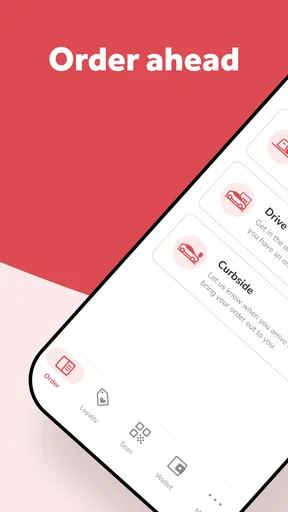
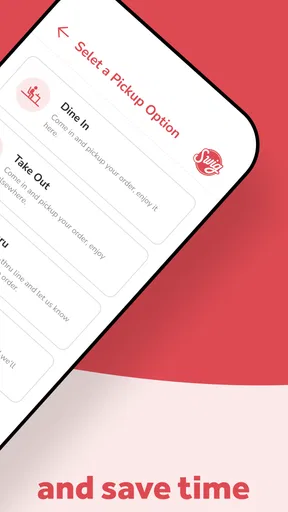
The app generally focuses on ordering drinks from nearby participating Swig stores, with pickup availability depending on the selected location. In some areas, delivery options may also appear through supported services or local availability, but this should not be assumed for every store. Before placing an order, check the location page, estimated preparation time, service fees, and the available fulfillment options.
Do I need an account to use Swig Drinks?
Some features may be available without signing in, such as viewing parts of the menu or learning about the brand, but an account is typically useful or required for placing and tracking orders. Registration may involve providing contact information and setting up payment details. Creating an account can also make repeat orders easier, although users should review the app’s privacy and notification settings.
Are prices, menu items, and rewards the same at every Swig location?
Not necessarily. Menu availability, pricing, customization choices, store hours, promotions, and reward offers can differ between Swig locations. The app usually displays information based on the store you select, so choosing the correct location before ordering is important. Customers should also check whether taxes, customization charges, delivery fees, or other costs are added during checkout.


